 KeyCut
KeyCut
Fast lossless video editor
Edit video without re-encoding. The caret snaps to real keyframes, kept segments are spliced back together – original quality, export in seconds.
Detecting your platform…
sudo chown root:root chrome-sandbox && sudo chmod 4755 chrome-sandbox
xattr -cr KeyCut.app
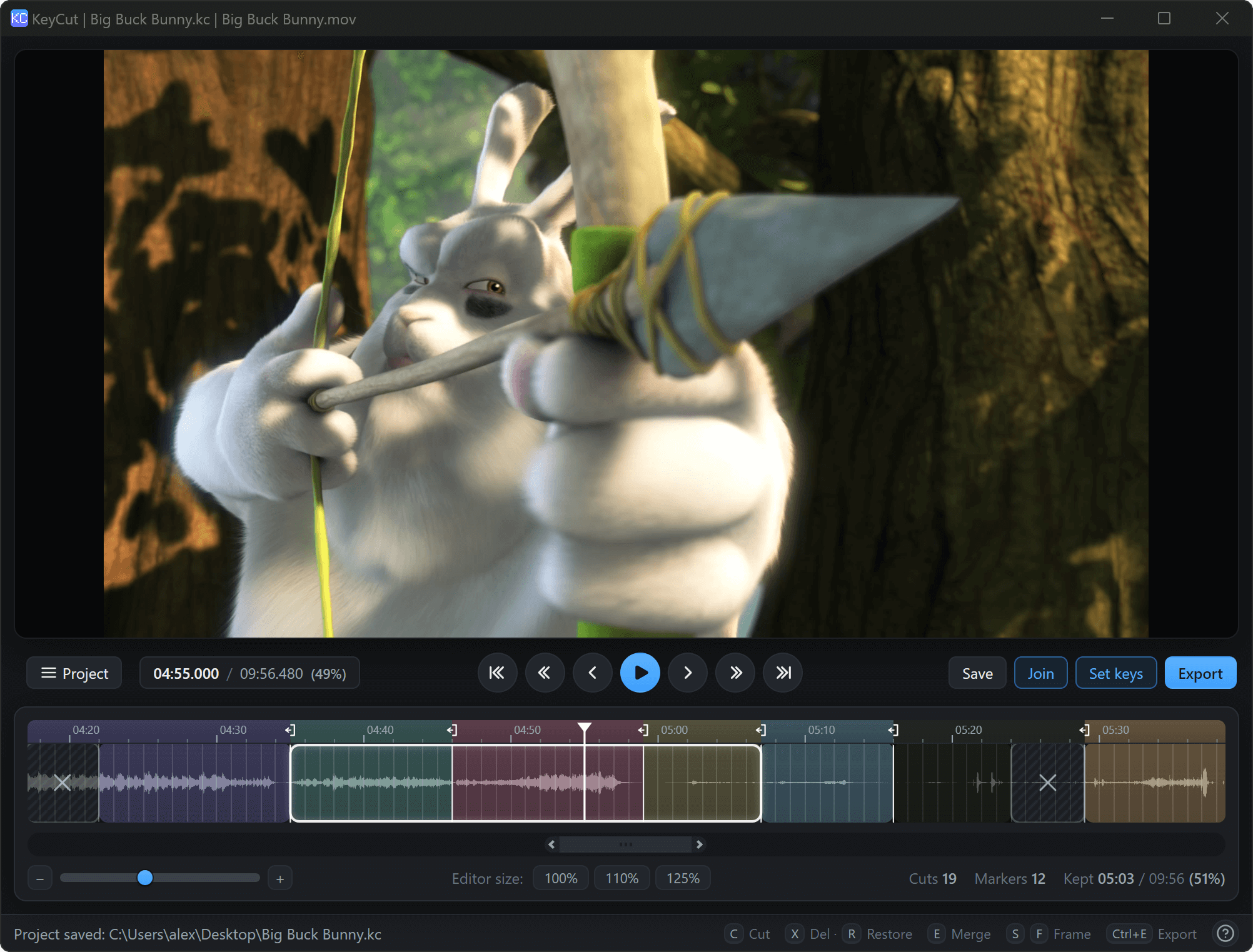
Three steps, done in a minute
Open a video
Drag & drop, or Ctrl+O. Keyframes are detected automatically.
Cut the parts you want
C to cut, X/R to dim or restore, E to merge blocks.
Export
Ctrl+E – export kept segments as one file, or each marked part separately.
Everything on the keys
Get the build for your platform
Portable archives for Windows, macOS and Linux. Extract and run KeyCut.
Detecting your platform…
All releases and older versions live on the GitHub Releases page. macOS builds are unsigned – on first launch right-click KeyCut.app → Open, or run xattr -cr KeyCut.app.
Recording with OBS
KeyCut cuts only at keyframes – the frames that can be decoded on their own. The more keyframes a file has, the closer a cut can land to the exact frame you want.
If you record with OBS, make it write frequent keyframes for frame-level cutting precision:
keyint=6
to the encoder options. That writes a keyframe every 6 frames – about every 0.2 s at 30 fps, or 0.1 s at 60 fps.
- Precision: cuts and deletes can land within a frame instead of jumping by whole sections.
- Trade-off: a slightly larger recording, because every keyframe is an independently decodable frame.